Ship software
Talk a feature into tickets sized for one pull request, then let Claude Code or Codex build each one on its own branch.
TOM-42Autosave draftsIn reviewTOM-43Offer a restore on reopenIn progress
TOMRADE
一起,向前 FORWARD, TOGETHER
Tomrade is a local-first workspace for solo makers and tiny teams. Run a codebase, your week, a journal or a shelf of docs from the same app. Say one sentence and the assistant drafts the whole backlog; hand a ticket to Claude Code or Codex; undo any agent run in one click.
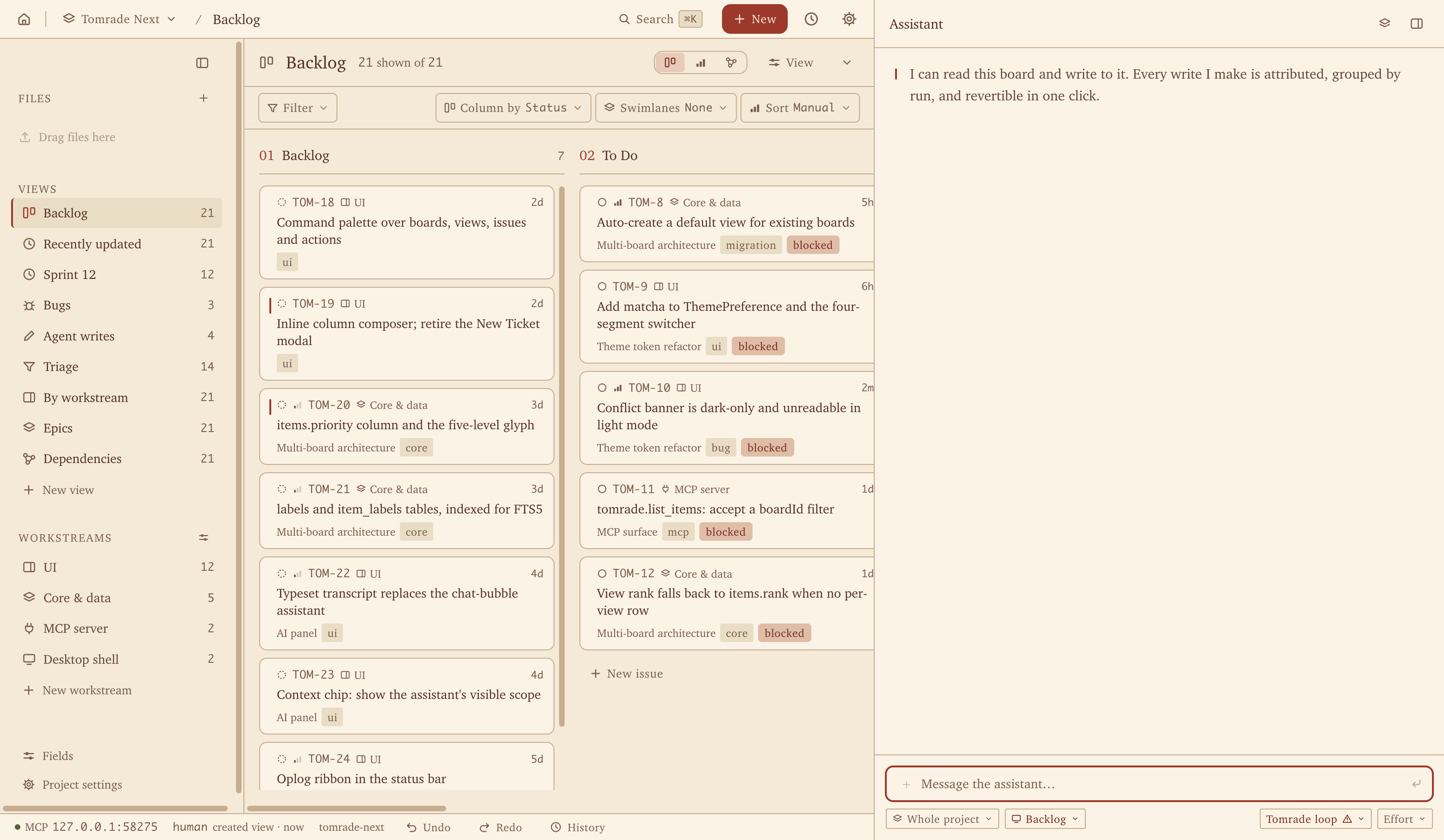
Your agents work at 3 a.m. They read your tickets, edit your notes, and now and then rewrite everything you own. Tomrade is the workspace built for them, with an undo button built for you.
One workspace
Every project is a board plus a folder of files. Connect it to a repository, or fill it with nothing but your week.
Talk a feature into tickets sized for one pull request, then let Claude Code or Codex build each one on its own branch.
TOM-42Autosave draftsIn reviewTOM-43Offer a restore on reopenIn progressErrands, chores and plans on a board or a table. Brain-dump to the assistant and it sorts the mess into tasks.
Today's note opens a dated page in your Journal folder. Tag the days and link them with [[wiki links]].
Journal/2026-10-10.md
2026-10-10
Long walk by the river. Finally fixed the #bike.
Markdown with a live preview, backlinks and full-text search. Every save is versioned and can sync to a GitHub repo.
One sentence → a backlog
Describe what you want in plain words. The agent asks what it needs to know and shapes the requirement with you.
People lose their drafts when the tab crashes.
Should drafts follow them to other devices, or is recovering on this one enough?
This device is enough for now.
It drafts epics and features sized for one PR, checks them against what already exists, and points out what is missing.
EpicDraft recovery
Autosave drafts locally1 PR
Offer a restore on reopen1 PR
Clear the draft after submit1 PR
Missing: two tabs editing the same draft?
The whole tree lands in one run. There is no approval queue: it applies at once, and one click reverts the entire run.
Applied 1 epic, 3 featuresUndo run
Approval queue: none. Vibes: immaculate.
Press Start on a ticket and your own Claude Code or Codex picks it up on its own branch, reading and updating the ticket as it works.
TOM-43Autosave drafts locallyStart
Claude Code · tom-43-autosave-drafts
TOM-43 → In progress
Undo, not approve
Approval queues? In this economy?
Agents write straight to the backlog, so nothing waits on you. Every run is grouped and attributed, and when one gets creative, a single click puts all of it back.
History shows who changed what, run by run.
Files & notes
Each project carries a folder of files: Markdown, HTML, images, anything. Write in an editor that previews as you type, link notes to each other, and attach them to tickets as deliverables.
Principles
Each project is a folder of plain text you can read, diff and back up. The database is only a cache.
~/Tomrade/projects/my-app/.tomrade/
├── project.json
├── state/
│   └── items.jsonl
├── log/
│   └── macbook.jsonl
└── README.md
Delete the cache. It comes back. We'll wait.Every AI write is attributed and versioned. Fields you lock stay locked, and a write based on a stale read is refused, whoever sends it.
PriorityHighlocked by you
update_item refused: field is locked
stale read: v12, now v13
The in-app assistant and the agents in your editor call the same tools. Add one once and it shows up everywhere.
tomrade.*Your editorDeepSeek, Anthropic, any OpenAI-compatible endpoint or a local model. Or let your own Claude Code or Codex CLI conduct.
Workstreams, custom fields and saved views. Keyboard-first, with a palette for everything.
⌘KSwitch view…
Agents
Tomrade runs an MCP server on your machine. Point Claude Code, Codex or Cursor at it and they can list, read, create and update tickets, and read and write your files, under the same rules as everyone else.
{
  "mcpServers": {
    "tomrade": {
      "type": "http",
      "url": "http://127.0.0.1:19090/mcp"
    }
  }
}
It listens on 127.0.0.1 only. Nothing is exposed to the network.
Tools they get
tomrade.list_itemstomrade.get_itemtomrade.create_itemtomrade.update_itemtomrade.change_statustomrade.extract_ticketstomrade.gap_analysis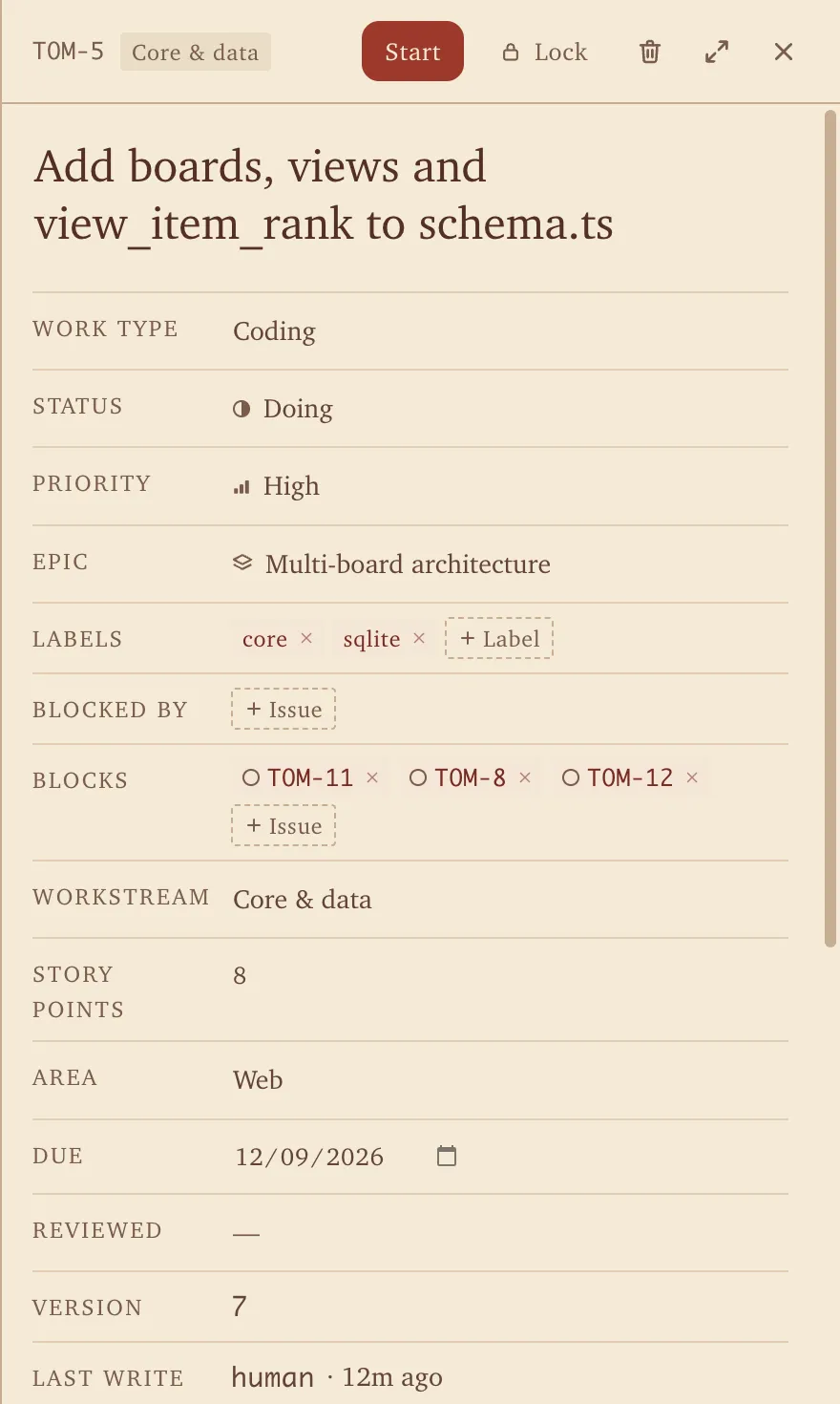
Plugins
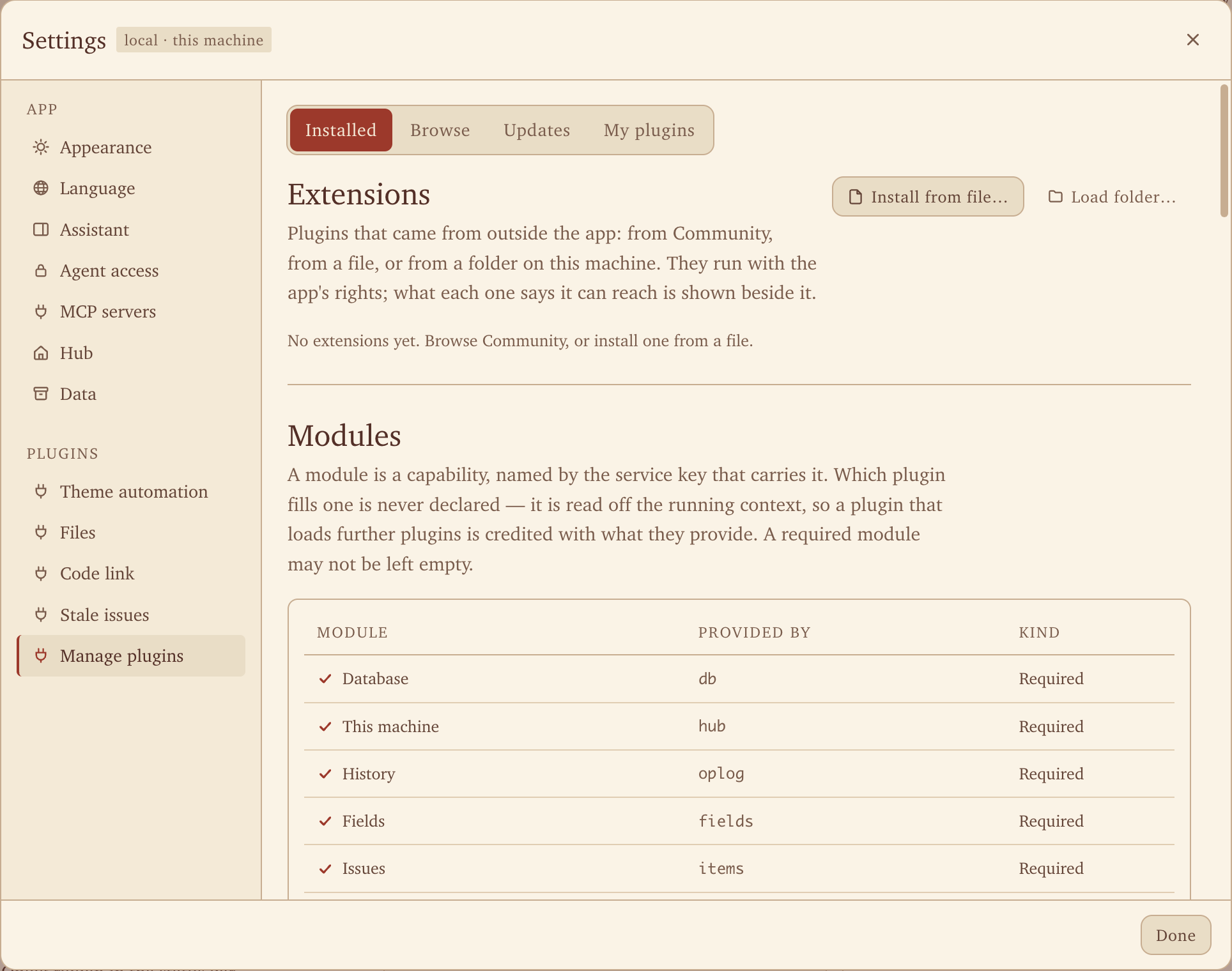
The database, the tool registry, the MCP server and the assistant are each a plugin you can swap out. Write your own against the Apache-2.0 SDK and ship it under any license, or ask the agent to write one for you in Plugin Studio.
import { definePlugin, defineTool } from "@tomradex/plugin-sdk";
import { z } from "zod";

export default definePlugin({
  inject: ["items", "tools"],
  async apply(ctx) {
    await ctx.tools.register(defineTool({
      name: "stale_list_items",
      title: "List stale items",
      description: "Open issues untouched for two weeks.",
      input: z.object({ projectId: z.string() }),
      execute: async ({ projectId }) =>
        (await ctx.items.list({ projectId }))
          .filter((i) => Date.now() - i.updatedAt > 14 * 86_400_000)
    }));
  }
});
Register a tool once. It appears in the assistant and on the MCP server.
Desktop pet
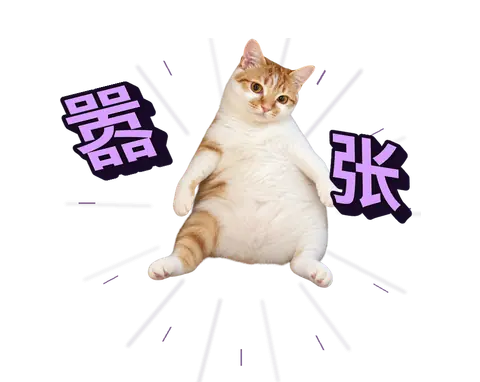
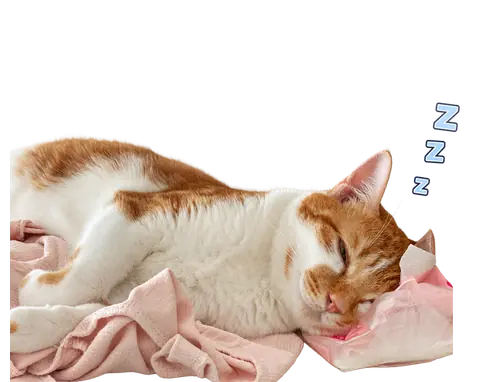
The pet lives on your desktop and mirrors what your agent is doing, so one glance tells you whether it needs you. No tab-switching, no notification spam.
Nothing is running, so neither is the cat. Respect the nap.
You asked. The agent hasn't said a word yet, and the cat is processing too.
The first output is out. From here until the turn ends, the cat is locked in.
The agent hit a question only you can answer. The cat will keep staring until you do.
The run finished. The cat is smug for exactly three seconds, then goes back to sleep.
Something broke. The cat cries for three seconds so you don't have to. Then you ⌘Z.
In Settings › Pet, give each mood its own picture: an animated GIF or WebP, or a PNG or JPEG, up to 8 MB each. Moods you skip keep the cat. Your pets stay on your machine, and the built-in cat is always one click away.
License
Tomrade is published under the Business Source License 1.1.
FAQ
No. The board, the assistant and Files work for any project: a household, a trip, a thesis, a journal. Coding agents join in when a project has a repository and stay out of the way when it doesn't.
It is source-available under the Business Source License 1.1, which is not an OSI open-source license. You can read, change and use the code, including at work, and each version converts to Apache-2.0 two years after it is released. The plugin SDK and its tooling are Apache-2.0 today.
Your projects live on your machine, one plain folder each. Your account keeps only your preferences and the list of your projects. Project content leaves your machine only if you connect a model provider or a git remote.
Yes. Your account keeps your preferences and the list of your projects in sync. It never holds project content: issues, files and code stay in your project folders.
The built-in assistant works with DeepSeek, Anthropic, any OpenAI-compatible endpoint and local models. Claude Code and Codex can also drive Tomrade directly, using your own CLI login.
Yes, in Settings. You can also swap it for a pet of your own, or unload the pet plugin entirely. The cat will not take it personally. Probably.
macOS (Apple silicon and Intel), Windows and Linux (AppImage).
English and Simplified Chinese.
Free to use and source available. Your projects stay in your own folders.